
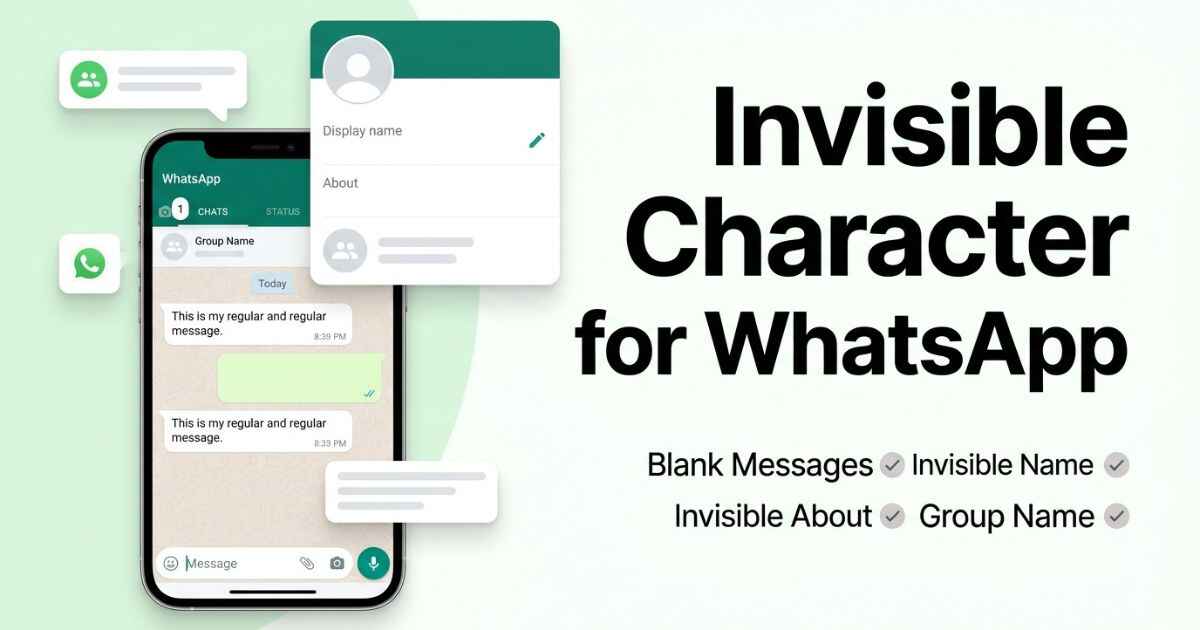
WhatsApp does not have a username field in the same way some other platforms do. Your account is tied to your phone number, and the text fields you can change include your Name, About text, group names, and the messages you send. Each one behaves a little differently. The character below is also available on the main invisible character copy page if you need it for something outside WhatsApp.
Best Invisible Character for WhatsApp
WhatsApp does not officially document which invisible Unicode characters work in every text field. Hangul Filler is commonly used for blank-looking text, but its behavior can vary between fields, devices, and app versions. It is worth testing the character in the exact place where you want to use it.
U+3164 — Hangul Filler
Commonly used for blank-looking text.
Why WhatsApp Greys Out the Send Button
A message containing only normal spaces is not treated as a message with visible content. This is why pressing the space bar alone does not give you a useful blank message to send. Unicode characters can behave differently because they are actual characters rather than normal keyboard spaces.
Hangul Filler is a Unicode character that is commonly used to create blank-looking text. However, WhatsApp does not officially guarantee that it will work as an invisible message in every version of the app.
How to Set an Invisible WhatsApp Name
- Open WhatsApp Settings and tap your profile photo at the top.
- Tap the pencil icon next to your Name.
- Clear the field and paste the copied character.
- Tap the checkmark to save.
Your Name is part of your WhatsApp profile. People who already have your phone number saved may see the name they saved for you instead of your WhatsApp profile name.
How to Send a Blank Message on WhatsApp
Sending a message that looks empty can be useful when you want to get someone’s attention without typing a visible word.
- Open the chat and tap the message box.
- Paste the copied character instead of pressing the space bar.
- Tap send. If WhatsApp accepts the character, the message can appear without visible text.
WhatsApp can change how Unicode characters are handled, so this may not work the same way on every device or app version.
How to Set an Invisible WhatsApp Group Name
If you created the group, or you are an admin with permission to edit the group information, you can change the group name.
- Open the group and tap the group name at the top.
- Tap the pencil icon next to the group subject.
- Clear the field, paste the copied character, and save.
Only group admins can normally change the group name. If you are not an admin, this option may not appear.
Which Invisible Characters Work on WhatsApp
WhatsApp does not publish an official compatibility table for invisible Unicode characters. The results below should therefore be treated as testing guidance, not guaranteed WhatsApp behavior.
| Character | Name | About | Group Name | Message |
|---|---|---|---|---|
| Hangul Filler (U+3164) | Not officially verified | Not officially verified | Not officially verified | Not officially verified |
| Zero Width Space (U+200B) | Not officially verified | Not officially verified | Not officially verified | Not officially verified |
| Zero Width Non-Joiner (U+200C) | Not officially verified | Not officially verified | Not officially verified | Not officially verified |
| Word Joiner (U+2060) | Not officially verified | Not officially verified | Not officially verified | Not officially verified |
| Braille Blank (U+2800) | Not officially verified | Not officially verified | Not officially verified | Not officially verified |
A character that works in one WhatsApp field may still fail in another. App versions, devices, and text handling can affect how Unicode characters appear. The full invisible character comparison across different platforms can help you compare the same characters before choosing one.
Common WhatsApp Invisible Character Problems
The send button stays grey after you paste the character
Check for a stray space before or after the pasted character. A normal space is not the same as a Unicode character. Delete any extra spaces and try pasting the character again.
You changed your Name but a friend still sees your old name
This can happen because WhatsApp contacts may have your phone number saved under their own name. In that case, they can continue seeing the name stored in their contacts rather than the name you set on your WhatsApp profile.
Your About text reverted to the default greeting
If your About text does not stay saved, reopen the About field and check the character again. WhatsApp can also change how certain Unicode characters are handled after an app update.
You are a group member but cannot change the group name
Group name changes are limited to admins. Ask a current admin to make the change if you do not have permission to edit the group information.
Pasting works on your phone but not on WhatsApp Web
Some browsers or systems can handle clipboard content differently. Click directly inside the text field first, then paste again. If it still fails, copy the character from the main invisible character page and try again.
WhatsApp Invisible Character FAQ
Can WhatsApp ban my number for sending blank messages?
Using a Unicode character by itself does not mean that your account will be banned. However, WhatsApp can take action against spam, abuse, or behavior that violates its terms and policies. Do not use invisible characters to send unwanted messages or bypass WhatsApp’s safety systems.
Does this work the same on WhatsApp Business?
WhatsApp Business has similar profile and messaging features, but Unicode characters can still behave differently depending on the field, device, and app version. Do not assume that a character accepted in one version will always work in another.
Why does my invisible name only appear to some of my contacts?
WhatsApp contacts can have your phone number saved under their own contact name. Because of this, someone who already saved your number may see their saved contact name instead of the name from your WhatsApp profile.
Does an invisible About count toward the character limit?
An invisible Unicode character is still a character, so it can count toward a field’s character limit even when it does not appear visibly.
Can I use an invisible character in a broadcast list name?
WhatsApp does not provide an official guarantee that every invisible Unicode character will work in broadcast list names. If you want to use one there, test the character in your current version of WhatsApp first.