
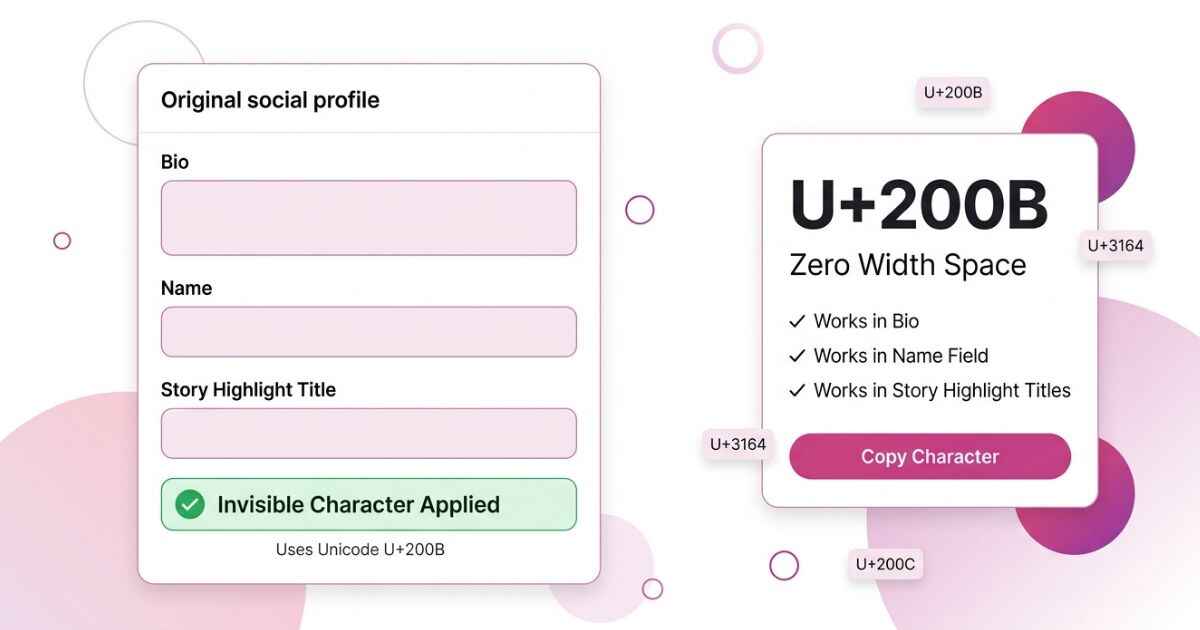
Instagram treats your bio and your Name field differently. A character that saves fine in your bio may be rejected from your Name field when you tap save. This page covers both fields separately, plus a third spot people often use: your story highlight titles. If you want to see how the same characters perform on other apps, the full platform comparison lays it out side by side.
Best Invisible Character for Instagram
Instagram can handle Unicode characters differently in different fields. Zero Width Space (U+200B) is commonly used for blank-looking spacing in Instagram bios and other text fields. However, Instagram does not officially confirm that U+200B will work in every field or account. This makes it better to test the character in the exact field where you want to use it.
U+200B
Zero Width Space
Commonly used for blank-looking spacing
Why Instagram Does Not Match Other Apps
Instagram uses different fields for your bio, Name, username, and other profile information. These fields can have different validation rules. A character that works in your bio may not work in your Name field.
If a character works in your bio but fails in your Name field, it does not necessarily mean there is a problem with your account. The field may simply have different validation rules.
How to Add a Blank Line to Your Instagram Bio
Instagram lets your bio use multiple lines, so you can use spacing to separate different parts of your bio.
- Go to your profile and tap Edit Profile.
- Tap the Bio field.
- Type your first line, press return to start a new line, then paste the copied character on its own line.
- Press return again and type your next line, then save.
Your bio has a 150 character limit, and an invisible character can count toward that total. If you want more than one blank line, you can build a longer spacing sequence instead of pasting the same character by hand each time.
How to Set an Invisible Instagram Name
Your Name field is different from your @username. Your username is a unique account identifier, while your Name field is separate profile information that appears on your profile. Instagram lets you edit these profile details separately.
- Go to your profile and tap Edit Profile.
- Tap the Name field, above your username.
- Clear the field completely and paste the copied character.
- Save. If Instagram rejects the change or reverts it, see the troubleshooting section below.
How to Hide a Story Highlight Title
Story highlights show a text label under your profile photo. Some people replace that label with a blank-looking character so the highlight cover appears without a visible title underneath it.
- Open your profile and press and hold the highlight you want to edit.
- Tap Edit Highlight.
- Tap the title field, clear the existing text, and paste the copied character.
- Tap Done to save.
Instagram’s official help explains that you can edit a highlight and enter a new name in its title field.
Which Invisible Characters Work on Instagram
The following table shows characters that are commonly discussed for blank-looking text. Instagram does not provide an official compatibility table confirming that these characters work in every bio, Name field, or highlight title. Results can also change after app updates.
| Character | Bio | Name Field | Highlight Title |
|---|---|---|---|
| Zero Width Space (U+200B) | Commonly used | Not officially verified | Not officially verified |
| Hangul Filler (U+3164) | Commonly used | Not officially verified | Not officially verified |
| Zero Width Non-Joiner (U+200C) | May work | Not officially verified | Not officially verified |
| Braille Blank (U+2800) | May work | Not officially verified | Not officially verified |
| Word Joiner (U+2060) | May work | Not officially verified | Not officially verified |
Notice that a character that works in one Instagram field is not guaranteed to work in another. Each field can have its own validation rules, so it is better to test the character before using it on your profile.
Common Instagram Invisible Character Problems
The blank line in your bio collapses when you save
If your two lines merge into one after saving, Instagram may have removed or changed the spacing character. Try using the character again and check the result after saving.
Instagram says to try changing your name again later
Instagram may limit some profile changes for a period of time. If your edit fails with this message, the problem may not be related to the character you used. Wait and try again later.
The highlight title still shows a small mark instead of nothing
A Unicode character can appear differently depending on the font, device, and app version. A character that looks blank in one place may show a small mark somewhere else.
The bio looks fine in the app but broken on the Instagram website
The Instagram app and website may display text differently. A spacing character that looks correct on your phone may appear slightly different on a computer. Check your bio on both if the spacing looks unusual.
You copied someone else’s bio and want to reuse the spacing
A bio copied from another account can contain extra characters that you cannot see. Those characters may affect your spacing when you paste the text. Running the text through a tool built to scan for hidden characters shows exactly what is in it before you build your own version.
Instagram Invisible Character FAQ
Can Instagram restrict my account for using an invisible character?
Using a Unicode character does not by itself show that an account has violated Instagram’s rules. However, Instagram’s Terms and Community Guidelines still apply to your profile and content. Do not use invisible characters to impersonate someone, mislead users, or break Instagram’s rules.
Does a blank bio line count toward my 150 character limit?
Yes. Your bio has a 150 character limit, so characters used for spacing can count toward that limit.
Will my invisible name affect how easily people can find me in search?
It can. If your Name field contains little or no visible text, there may be fewer visible words for people to use when searching for your profile. Instagram also uses other account information when people search for profiles.
Does this work the same way for Business and Creator accounts?
The available profile fields can depend on your account and Instagram’s current features. Do not assume that an invisible character will work in exactly the same way on Personal, Creator, and Business accounts.
Can I use an invisible character inside a direct message?
Instagram does not provide an official compatibility list for invisible Unicode characters in Direct Messages. A character may work in one message field but behave differently after an app update or on another device. Test the character first if you need a blank-looking message.