
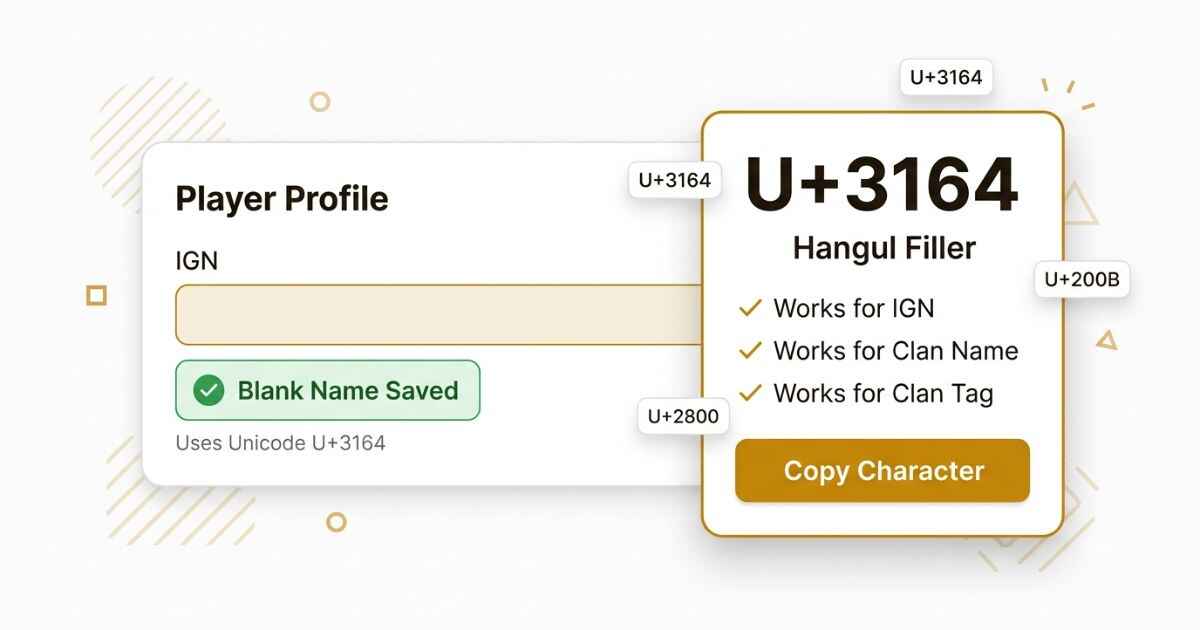
PUBG has its own rules for in-game names. Some blank-looking Unicode characters may work in some name fields, but PUBG does not publish an official list of every Unicode character that it accepts. This page shows a commonly used character, how to try it in your IGN, and what to do if the game does not accept the name. If PUBG is not the platform you needed, you can grab an invisible character from the main character list instead.
Best Invisible Character for a PUBG Name
Hangul Filler (U+3164) is commonly used for blank-looking names because it is a Unicode character that can appear empty in some fonts or apps. However, PUBG does not officially confirm U+3164 as a guaranteed invisible character for every name field. You can also check the full comparison of blank Unicode characters to see other options.
U+3164
Hangul Filler
Commonly used for a blank-looking name
Why PUBG Rejects a Plain Space in Your Name
A plain keyboard space may be rejected when PUBG checks your name. Hangul Filler is different because it is a Unicode character rather than an ordinary space. It can look empty in some situations while still being a real character.
How to Change Your PUBG Name to Blank
PUBG uses name-change items for changing an existing nickname. The exact item, cost, and availability can vary between PUBG versions and over time. PUBG’s official support information confirms that nickname changes use a nickname change card, while PUBG Mobile’s current help center says to use a Rename Card from your inventory.
- Open PUBG and go to your Inventory.
- Find your Rename Card, if you have one available.
- Tap the name field to open the keyboard, then clear any text already there.
- Paste the copied character into the field. Do not press the space bar if you want to use a blank-looking Unicode character.
- Confirm the change and check how your IGN appears.
This same character may also be tested in other PUBG name fields, but PUBG does not officially guarantee that U+3164 will work for every clan name or clan tag.
PUBG Mobile Compared to PUBG on PC
PUBG Mobile and PUBG: BATTLEGROUNDS on PC use different systems and can have different name rules. Official PUBG support lists specific nickname requirements for PUBG: BATTLEGROUNDS, including character and length restrictions.
A character that works in one version may not work in another. If you play on both, test the name separately on each platform rather than assuming a change on one will work on the other.
Which Invisible Characters Work in PUBG
The following table shows characters that are commonly discussed for blank-looking names. PUBG does not provide an official compatibility table confirming that these characters work in every IGN, clan name, or clan tag field. Results can also change after game updates.
| Character | IGN | Clan Name | Clan Tag |
|---|---|---|---|
| Hangul Filler (U+3164) | Commonly used | Not officially verified | Not officially verified |
| Braille Blank (U+2800) | May work | Not officially verified | Not officially verified |
| Zero Width Space (U+200B) | May be blocked | May be blocked | May be blocked |
| Zero Width Non-Joiner (U+200C) | May be blocked | May be blocked | May be blocked |
| Word Joiner (U+2060) | May be blocked | May be blocked | May be blocked |
PUBG’s official support information shows that nickname rules can be strict. For the PC version, official requirements include a 4–16 character nickname and specific allowed characters.
Common PUBG Invisible Name Problems
The game says the name is already taken
This message can appear when the name you are trying to use is already in use. PUBG’s official support information says that you can change your current nickname to one that is unused.
If the blank-looking name is not accepted, try a different character combination instead.
You used your rename card and the name reverted
If your name goes back to the old one after the loading screen, the change may not have saved correctly. Fully close the app, reopen PUBG, and check your profile again before trying the rename a second time.
The name shows a box or a strange symbol to other players
Some devices or fonts may display a Unicode character differently. A blank-looking character can appear as a box or another symbol on a device that does not render it as expected.
You are out of rename items and do not want to spend UC
If you have already used your available rename item, you may need another rename item to change your name again. The exact cost and availability depend on the PUBG version you use.
Your clan tag will not accept the character
Clan tags can have different rules from player nicknames. For PUBG: BATTLEGROUNDS, official clan information lists separate requirements for clan names and clan tags, including character and length rules.
If a tag will not save, check the current rules for your PUBG version instead of assuming that the same character will work everywhere.
You picked up a stray character while copying a name from a teammate
Copying a clan tag or IGN from someone else can bring along an extra character you did not intend to use. That extra character may then be rejected as invalid input. Pasting the text into a tool that strips out invisible characters first can help you check the text before trying the rename again.
PUBG Invisible Name FAQ
Will an invisible name get my PUBG account banned?
A Unicode character by itself is not a hack or third-party program. However, PUBG’s rules still apply to your account and nickname. Do not use a blank-looking name to impersonate another player or break the game’s rules.
Does an invisible name make it harder for other players to report me?
No reliable official source confirms that a blank-looking name prevents or changes player reports. Your name should not be treated as a way to avoid PUBG’s reporting system.
Can I use an invisible name on PUBG Lite or older versions of the app?
Older or regional versions of PUBG may have different name validation rules. A character that works in one version may not work in another. If a rename fails, check whether your game version has different nickname requirements.
Why does my blank name still show a faint outline in the kill feed?
A Unicode character can look different depending on the font and where it appears in the game. A character that looks blank in one part of PUBG may appear slightly different somewhere else.
Does changing my name to a blank character affect my stats or rank?
Changing your nickname does not normally mean changing your game progress. PUBG account progress is separate from the nickname shown to other players. A nickname change itself does not mean that your stats or rank are reset.