
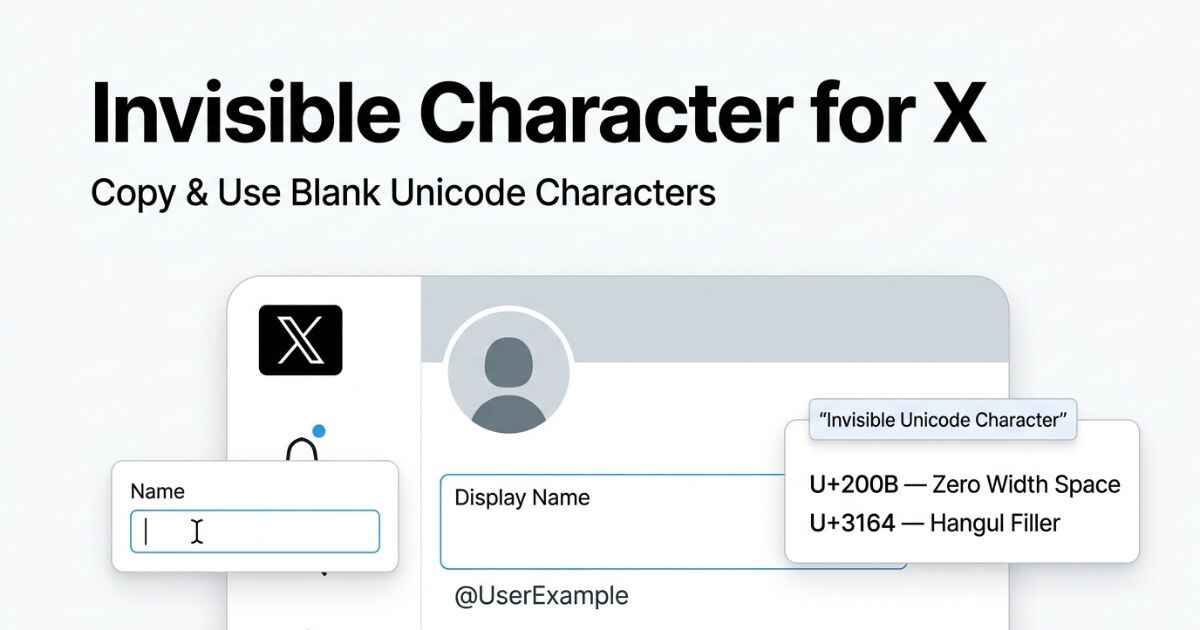
X has several different text fields, and an invisible character does not behave the same way in all of them. You can use blank-looking Unicode characters in places such as a Display Name, Bio, or Post, while the @handle follows much stricter character rules. X was formerly known as Twitter, so you may also see these fields described as Twitter names, usernames, or handles.
Best Invisible Character for X
Not every invisible character is treated the same way across X’s different fields. Zero Width Space and Hangul Filler are characters you can test in fields such as your Bio, Display Name, or Post. However, X does not publish an official list showing which invisible Unicode characters work in each field.
U+200B — Zero Width Space
A commonly used invisible Unicode character. Its behavior on X can vary by field.
U+3164 — Hangul Filler
Another invisible Unicode character you can test in X text fields.
X Display Name vs Username: What Is the Difference
People searching for an invisible X name often mean one of two different fields. Your Display Name is separate from your @username, also called your handle. The two follow different character rules.
| Field | Public | Invisible Character | Limit |
|---|---|---|---|
| Display Name | Yes | Field-dependent | 50 characters |
| @Username / Handle | Yes | No | 15 characters |
| Bio | Yes | Field-dependent | 160 characters |
| Post | Yes | Field-dependent | 280 characters standard; up to 25,000 with X Premium |
X says your username can be up to 15 characters and can contain only letters, numbers, and underscores. Your Display Name can be up to 50 characters. X also lists the Bio limit as 160 characters.
X allows standard Posts up to 280 characters. X Premium users can create longer Posts of up to 25,000 characters.
Your Display Name can be changed without changing the username people use to find or mention your account. The two are independent settings.
Why Invisible Characters Can Behave Differently on X
X applies a standard 280-character limit to a Post, with longer posts available through X Premium. Invisible characters are still real Unicode characters, but their acceptance and rendering can vary between fields. X may also change its validation or text handling over time.
For that reason, the results on this page should be treated as practical guidance rather than a permanent guarantee.
How to Set an Invisible X Display Name
- Open your X profile and select Edit profile.
- Tap the Name field, separate from your @handle below it.
- Clear the field, paste the copied character, and save your profile.
Your Display Name is separate from your @handle. You can change the Display Name without changing the username people use to find or mention your account.
How to Add a Blank Line to Your X Bio
Your Bio allows up to 160 characters and supports profile text, which makes it a workable spot for a blank divider between two pieces of information.
- Open Edit Profile from your profile page.
- Tap the Bio field.
- Type your first line, press return, paste the copied character on its own line, then continue typing.
- Save your profile.
Why Your X Username Cannot Be Blank
Your X username, also written as your @handle, is limited to 15 characters. It can contain only letters, numbers, and underscores. It must also be unique across the platform and forms part of your public profile URL.
Invisible Unicode characters do not fit X’s username character rules, so this field will not accept them. Your X username is not the same as your Display Name. People who still search using the older term Twitter username are usually looking for this same field.
Which Invisible Characters Work on X
X does not provide an official compatibility table for invisible Unicode characters. The table below should therefore be treated as a testing guide, not a guaranteed result.
| Character | Username | Display Name | Bio | Post |
|---|---|---|---|---|
| Zero Width Space (U+200B) | Blocked | Not officially verified | Not officially verified | Not officially verified |
| Hangul Filler (U+3164) | Blocked | Not officially verified | Not officially verified | Not officially verified |
| Zero Width Non-Joiner (U+200C) | Blocked | Not officially verified | Not officially verified | Not officially verified |
| Braille Blank (U+2800) | Blocked | Not officially verified | Not officially verified | Not officially verified |
| Word Joiner (U+2060) | Blocked | Not officially verified | Not officially verified | Not officially verified |
X officially restricts usernames to letters, numbers, and underscores. X does not publish an official list showing which invisible Unicode characters work in the Display Name, Bio, or Post fields.
Compatibility can change when X updates its text validation or rendering systems. Treat the results above as practical testing rather than a permanent platform guarantee.
Zero Width Space and Hangul Filler can be tested in X fields other than the username, but their results are not officially guaranteed. Check the full character comparison to see how these same characters compare with other platforms covered on this site.
Common X Invisible Character Problems
The Post button stays disabled after you paste the character
Check for a stray regular space next to the pasted character. Also make sure your Post meets X’s normal content and character requirements. Standard Posts can contain up to 280 characters.
Your Display Name reverts back after saving
If the change does not stick, try saving it again. X may reject a profile change when the field contains text that does not meet its rules. X also lists other reasons why profile changes may fail to save.
Your Bio spacing disappears when the profile is embedded elsewhere
X profiles and Posts can appear on other websites through embedded content. The same text may look different outside the main X website or app. Check how your profile looks directly on X if the spacing matters to you.
A blank-looking Post shows a character count you did not expect
Invisible characters are still Unicode characters. X processes them through its own character-counting system. If the count looks different from what you expect, check the live counter in the composer instead of assuming a fixed count.
You copied a Display Name from another account and it looks different once pasted
A name copied from someone else’s profile can contain more than one hidden character. A character scanning tool can show what the copied text contains before you try to reuse it.
X Invisible Character FAQ
Does an invisible character count toward X’s character limit?
It can. Unicode characters are processed by X’s own counting system. You should check the live counter in the composer instead of assuming that an invisible character will not count.
Can a blank-looking Post still be quoted or screenshotted normally?
A Post containing an invisible character is still a normal Post. X supports replies, quotes, and other normal Post actions. The exact appearance of the invisible character can still vary between interfaces.
Can I make my X Display Name invisible?
A blank-looking Display Name may be possible with certain Unicode characters, but results can vary by character and X updates. X’s Display Name is separate from your @username, which has stricter character rules.
Will X restrict my account for posting with invisible characters?
Using an invisible Unicode character does not automatically mean your account will be restricted. However, X can still apply its normal rules to the content or behavior around its use.
What is the difference between my X handle and my Display Name?
Your handle, also called your @username, can be up to 15 characters. It is restricted to letters, numbers, and underscores. Your Display Name is a separate field and can be up to 50 characters.
Can I use an invisible character in my Twitter name?
If you mean the Display Name, you can test invisible Unicode characters, but results are field-dependent. If you mean the @username, the answer is no. X’s username rules allow only letters, numbers, and underscores.